
Metro 2033 Guide

booman Grand High Exalted Mystic Emperor of Linux Gaming Staff Member
Survival is key to post apocalyptic Russia where bullets are currency and mutated creature aren’t your only enemy. Travel and explore the underground Metro with with stealth or all out fire power, but be careful with each shot.

Follow my step-by-step guide on installing, configuring and optimizing Metro 2033 Redux in Linux with PlayOnLinux and DXVK
Note: This guide applies to the GOG version of Metro 2033 Redux. Other versions may require additional steps.
To learn more about PlayOnLinux and Wine configuration, see the online manual: PlayOnLinux Explained
Mint 19 64-bit
PlayOnLinux: 4.3.4
Wine: 3.21
DXVK: 0.93
Click Tools
Select «Manage Wine Versions»
Look for the Wine Version: 3.21
Select it
Click the arrow pointing to the right
Click (amd64) Tab
Select «3.21»
Click the arrow pointing to the right
Downloading Wine 64-bit
Wine 3.21 32-bit and 64-bit is installed, you can close this window
Launch PlayOnLinux
Click Install
Click «Install a non-listed program»
Select «Install a program in a virtual drive»
Click Next
Name the virtual drive: metro2033
Click Next
Select Wine 3.21
Click Next
Select «64 bits windows installation»
Click Next
Applications Tab
Windows version: Windows 7
Graphics Tab
Check «Automatically capture the mouse in full-screen windows»
Click OK
Note: All packages should automatically download and install
Select «setup_metro_2033_redux_2.0.0.2.exe»
Click Open
Click Options
Check «Yes, I have read and accept EULA»
Uncheck «Created desktop icons»
Click Install
Click OK on all errors
Select «metro.exe»
Click Next
Name the shortcut: Metro 2033
Click Next
Select «I don’t want to make another shortcut»
Click Next
Goto: https://github.com/doitsujin/dxvk/releases/tag/v0.93
Download dxvk-0.93.tar.gz to your Desktop
Extract to your Desktop
Open x64 Directory
Copy all the DLLs
Paste all the DLLs in the metro.exe Directory
Full Path:
Note: Feel free to try newer DXVK versions
PlayOnLinux Configure & DirectX Runtime
Back to PlayOnLinux
Select «Metro 2033»
Click Configure
General Tab
Wine version: 3.21
Note: Click the + to download other versions of Wine. Click the down-arrow to select other versions of Wine
Display Tab
Video memory size: Enter the amount of memory your video card/chip uses
Navigate to your Desktop
Select «directx_jun2010_redist.exe»
Click Open
Go to your virtual drive drive_c
Select «DXSETUP.exe»
Click Open
Check «I accept the agreement»
Click Next
When finished installing
Click Finish
Select Metro 2033
Click Run
Note: Click debug to see errors and bugs
Conclusion:
Metro 2033 runs great with DXVK installed and all the settings on high. There are a few flickering textures or objects here and there, but its not consistent. The DirectX Runtime fixes the crackly audio as long as you add the xaudio2_7 library. Finally we can play the Metro series from GOG even though Steam has the native versions.
Gameplay Video:
Screenshots:
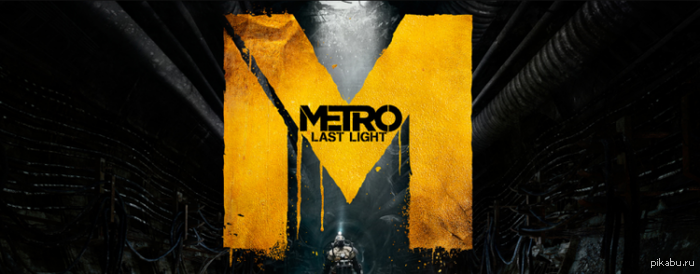
Metro: Last Light Released on Steam for Linux

[Steam] Metro 2033
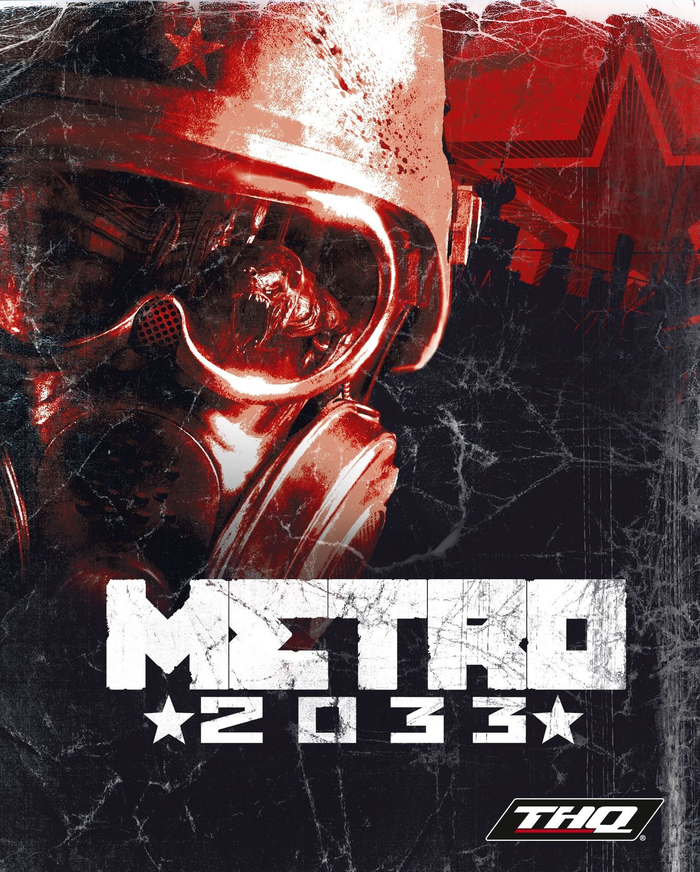
Раздача [в самом Steam] до 15 марта, 20:00 по Москве или 19:00 по Киеву
Если по какой-то причине со страницы игры, её забрать не получается,
то Вы можете взять через эту страницу:

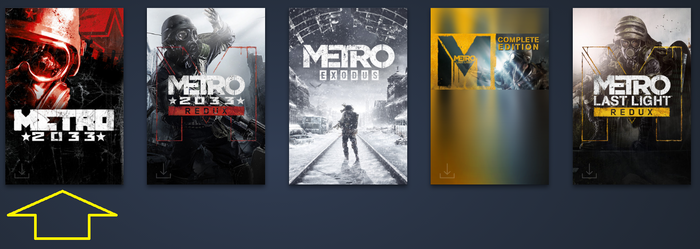
Раздаётся самое первое(классическое) издание, не Redux


Valve устранила в Steam ошибку, влияющую на подсчёт пользователей Linux

В очередном бета-выпуске клиента Steam исправлена ошибка, из-за которой Linux-сборка программы аварийно завершала своё выполнение при подготовке данных об используемом окружении пользователя, на основе которых подсчитывается статистика Steam Hardware & Software Survey. Предполагается, что устранённая проблема была одной из причин низкой доли Linux в отчётах Steam, так как попытка отправки данных от Linux-пользователей завершались крахом приложения. В декабрьском отчёте Steam доля Linux составляла всего 0.67%.
Дополнение: Проблема фиксируется пользователями Arch Linux и Gentoo с начала года, но похожие сообщения о крахах периодически всплывают c 2017 года и также затрагивали Fedora и Slackware.
Подтвердились слухи по добавлению в Steam инструментов для запуска Windows игр на Linux!
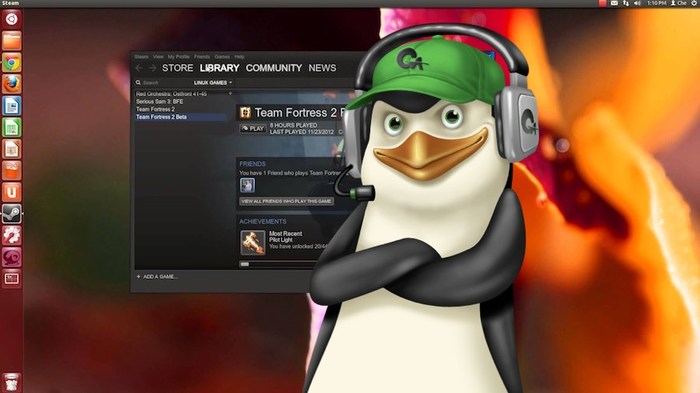
(Картинка из интернетов)
Proton является модифицированной версией Wine, его возможности включают:
1. Запуск Windows игр в Steam клиенте Linux напрямую, с поддержкой Steamworks и OpenVR.
2. Реализация DirectX 11 (dxvk) и DirectX 12 (vk3d).
3. Улучшенная поддержка полноэкранного режима: игры, которые не поддерживают родное разрешение, будут автоматически растянуты на весь экран;
4. Улучшена поддержка игровых контроллеров: игры теперь должны работать со всеми устройствами, которые знает Steam;
5. Набор патчей esync для улучшения поддержки многопоточных приложений в Wine
Для того чтобы опробовать Proton достаточно иметь свежие драйвера, установить Beta клиент Steam, а также увеличить лимит на число открытых файловых дескрипторов ( https://github.com/zfigura/wine/blob/esync/README.esync ).
По умолчанию с помощью Proton пока что можно запускать только игры из списка выше, однако можно выставить в настройках галочку «Enable Steam Play for all titles» и пробовать запускать всё что душе угодно.
Linux Games
Native Linux | MAC Games Downloads
Metro 2033 Redux Linux Free Download

Metro 2033 Redux Linux
Description:
In 2013 the world was devastated by an apocalyptic event, annihilating almost all mankind and turning the Earth’s surface into a poisonous wasteland. A handful of survivors took refuge in the depths of the Moscow underground, and human civilization entered a new Dark Age.
The year is 2033. An entire generation has been born and raised underground, and their besieged Metro Station-Cities struggle for survival, with each other, and the mutant horrors that await outside. You are Artyom, born in the last days before the fire, but raised underground. Having never ventured beyond the city limits, one fateful event sparks a desperate mission to the heart of the Metro system, to warn the remnants of mankind of a terrible impending threat.
Your journey takes you from the forgotten catacombs beneath the subway to the desolate wastelands above, where your actions will determine the fate of mankind. But what if the real threat comes from within?
Metro 2033 Redux Linux is the definitive version of the cult classic ‘Metro 2033’, rebuilt in the latest and greatest iteration of the 4A Engine for Next Gen. Fans of the original game will find the unique world of Metro transformed with incredible lighting, physics and dynamic weather effects. Newcomers will get the chance to experience one of the finest story-driven shooters of all time; an epic adventure combining gripping survival horror, exploration and tactical combat and stealth.
All the gameplay improvements and features from the acclaimed sequel ‘Metro: Last Light’ have been transferred to Metro 2033 Redux – superior AI, controls, animation, weapon handling and many more – to create a thrilling experience for newcomers and veterans alike. With two unique play-styles, and the legendary Ranger Mode included, Metro 2033 Redux linux offers hours of action packed AAA gameplay.
Game Features:
General Info:
Year: 2014
Genre: Action
Developer: 4A GAMES
Developer website: http://www.enterthemetro.com/
Publisher: Deep Silver
Architecture: amd64
Interface Language: Russian, Ukrainian, English, French, Italian, German, Spanish, Czech, Dutch, Polish
Game Language: Russian, Ukrainian, English, French, Italian, German, Spanish
System Requirements:
Minimum:
OS: 64-bit Ubuntu 12.04, Steam OS
Processor: Intel Core i5 2.7 GHz (or equivalent AMD)
RAM: 4 GB RAM
Video Card: NVIDIA Geforce 460 / AMD 5850 with 2GB VRAM
Disk space: 10 GB
ATTENTION: Due to OpenGL 4, Intel integrated video cards are no longer supported.
How to install:
1. Extract all 7z archives.
2. Extract the game.
3. Make “metro” file executable.
4. Play. Enjoy.
Review:
Объявлены системные требования Metro: Exodus для Mac и Linux
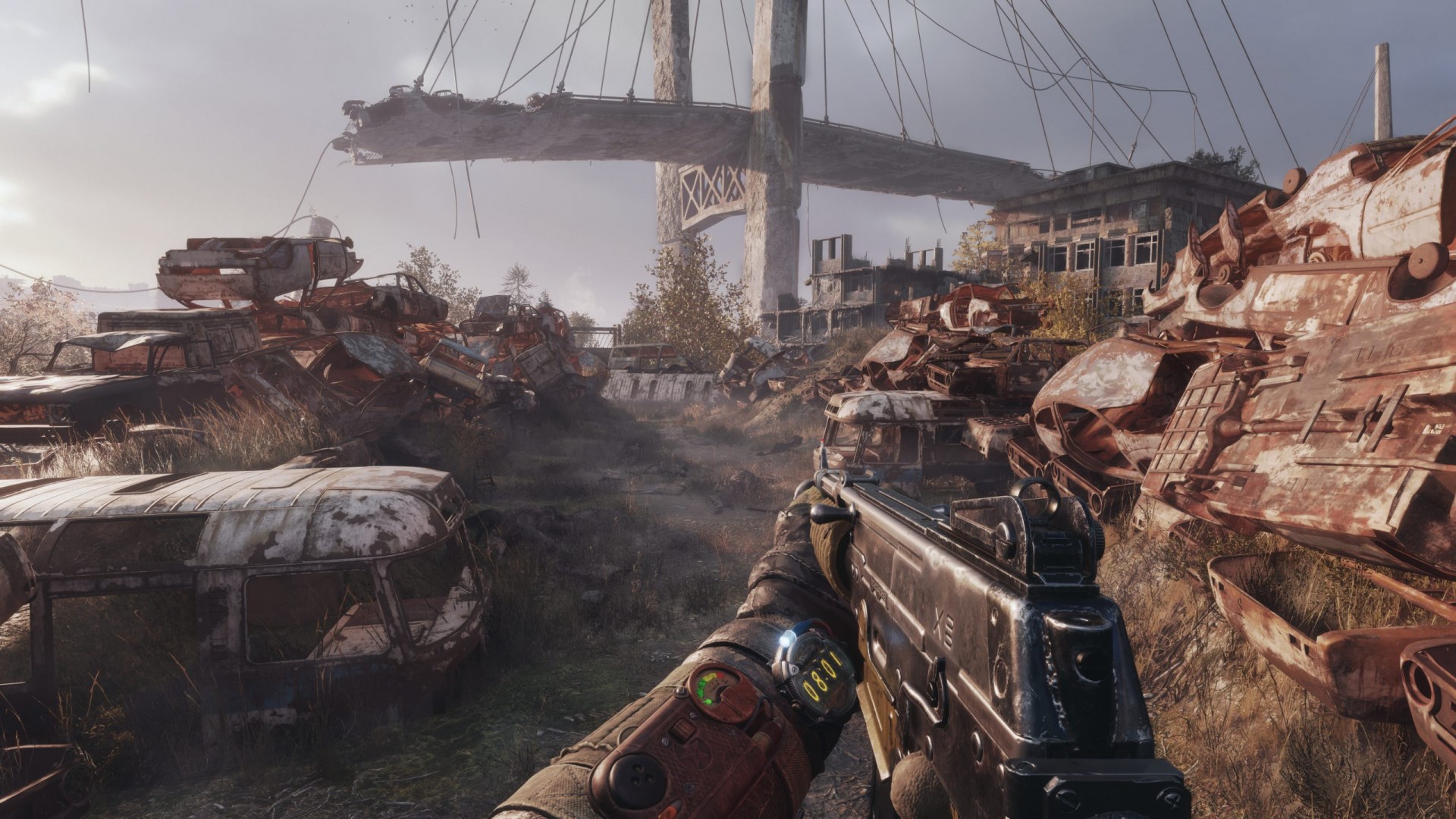
В студии 4A Games сейчас просто-таки наполеоновские планы. Они работают над игрой в новой вселенной, и создают новую часть серии Metro. Кроме этого, еще и готовят к релизу улучшенную версию Metro: Exodus для ПК и консолей действующего поколения.
А еще разработчики ранее анонсировали версию Metro: Exodus для Linux и Mac. И сегодня они поделились системными требованиями для систем, использующих эти операционные системы.
Linux
Минимальные (1080p | 30 FPS):
Настройки графики: средние
Операционная система: Ubuntu 20
Процессор: Intel Core i5-4440
Оперативная память: 8 GB
Видеокарта: Nvidia GTX 670 (4 GB) или Radeon R9 380
Видеопамяти: 4 GB
Рекомендуемые (1080p | 60 FPS):
Настройки графики: Высокие
Операционная система: Ubuntu 20
Процессор: Intel Core i7-4770k
Оперативная память: 8 GB
Видеокарта: Nvidia GTX 1070 | RTX 2060 или AMD RX 5500 XT (8 GB)
Видеопамяти: 6+ GB
Высокие (1440p | 60 FPS):
Настройки графики Ультра
Операционная система: Ubuntu 20
Процессор: Intel Core i7-8700k
Оперативная память: 16 GB
Видеокарта: Nvidia GTX 1080 TI | RTX 2070 или AMD RX 6700 XT
Видеопамяти: 8 GB
Экстремальные (4K | 60 FPS):
Настройки графики: Экстремальные
Операционная система: Ubuntu 20
Процессор: Intel Core i9-9900k
Оперативная память: 16 GB
Видеокарта: RTX 3080 или AMD RX 6900 XT
Видеопамяти: 8+ GB
Mac
Минимальные (1080p | 30 FPS):
Настройки графики: средние
Операционная система: Mac OS Catalina (10.15)
Процессор: Intel Core i7-7820
Оперативная память: 16 GB
Видеокарта: Radeon Pro 560
Рекомендуемые (2k | 45+ FPS):
Настройки графики: ультра
Операционная система: Mac OS Big Sur
Процессор: Intel Core i7-7820
Оперативная память: 16 GB
Видеокарта: Radeon RX 5700 XT